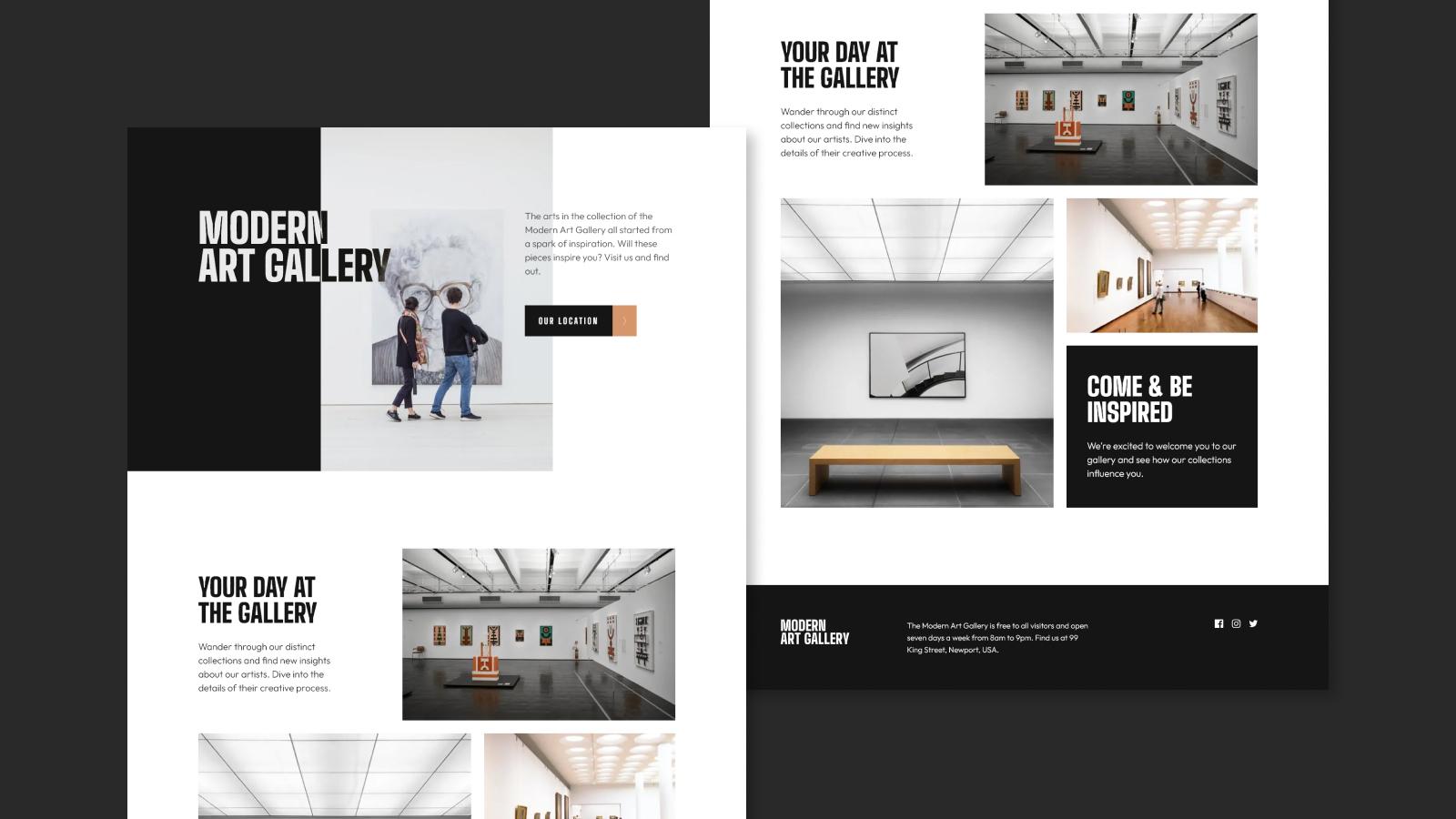
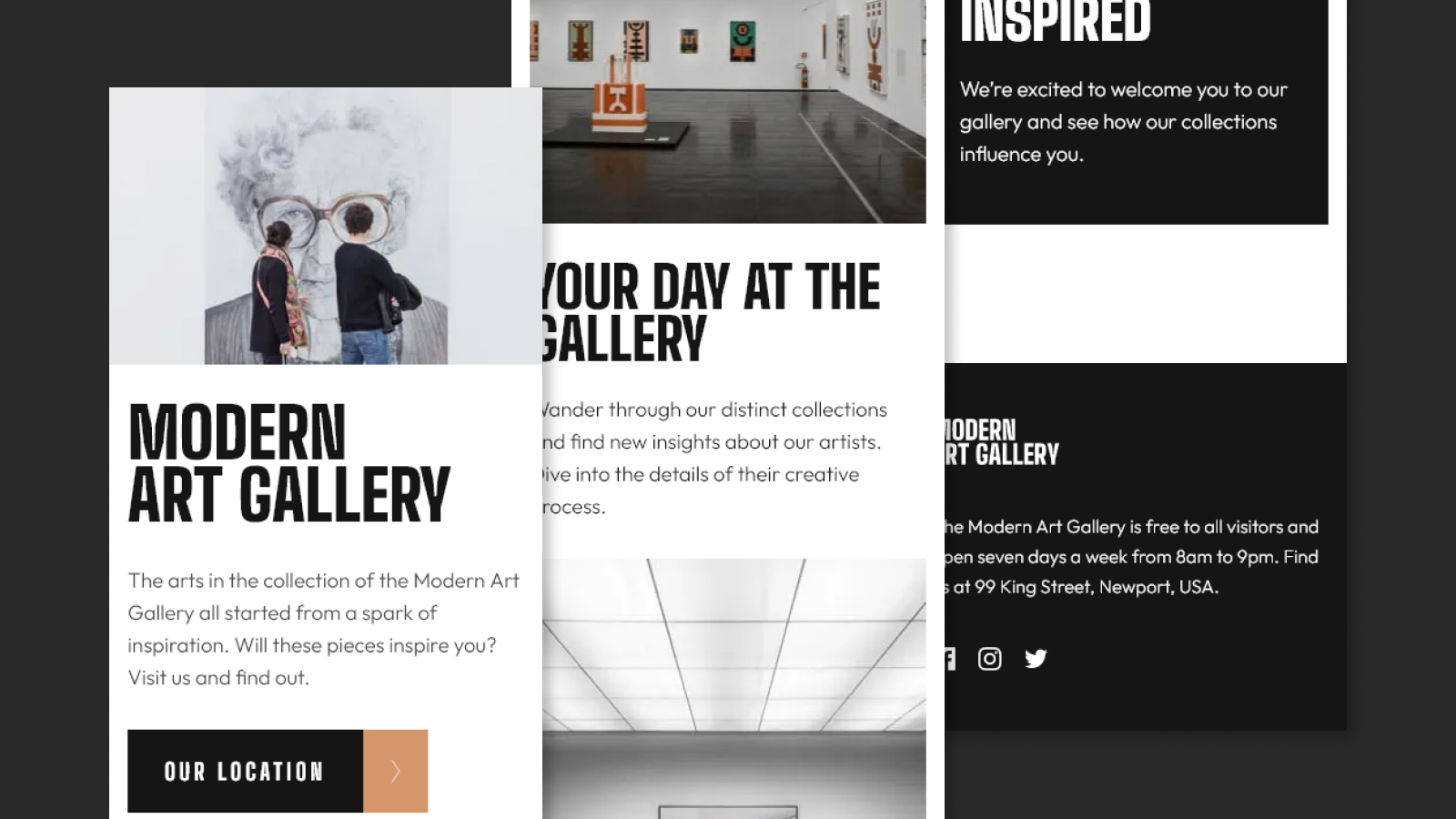
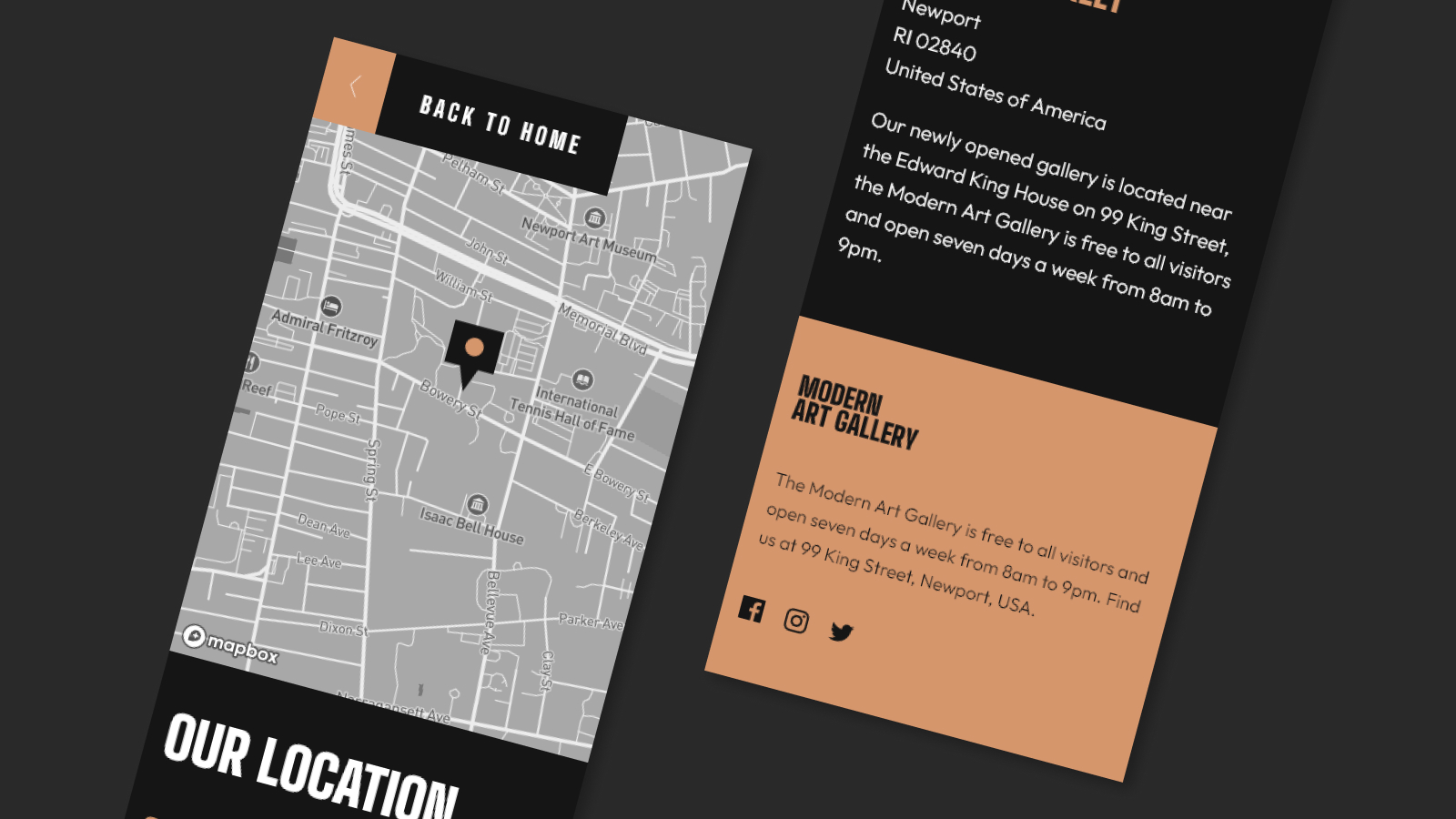
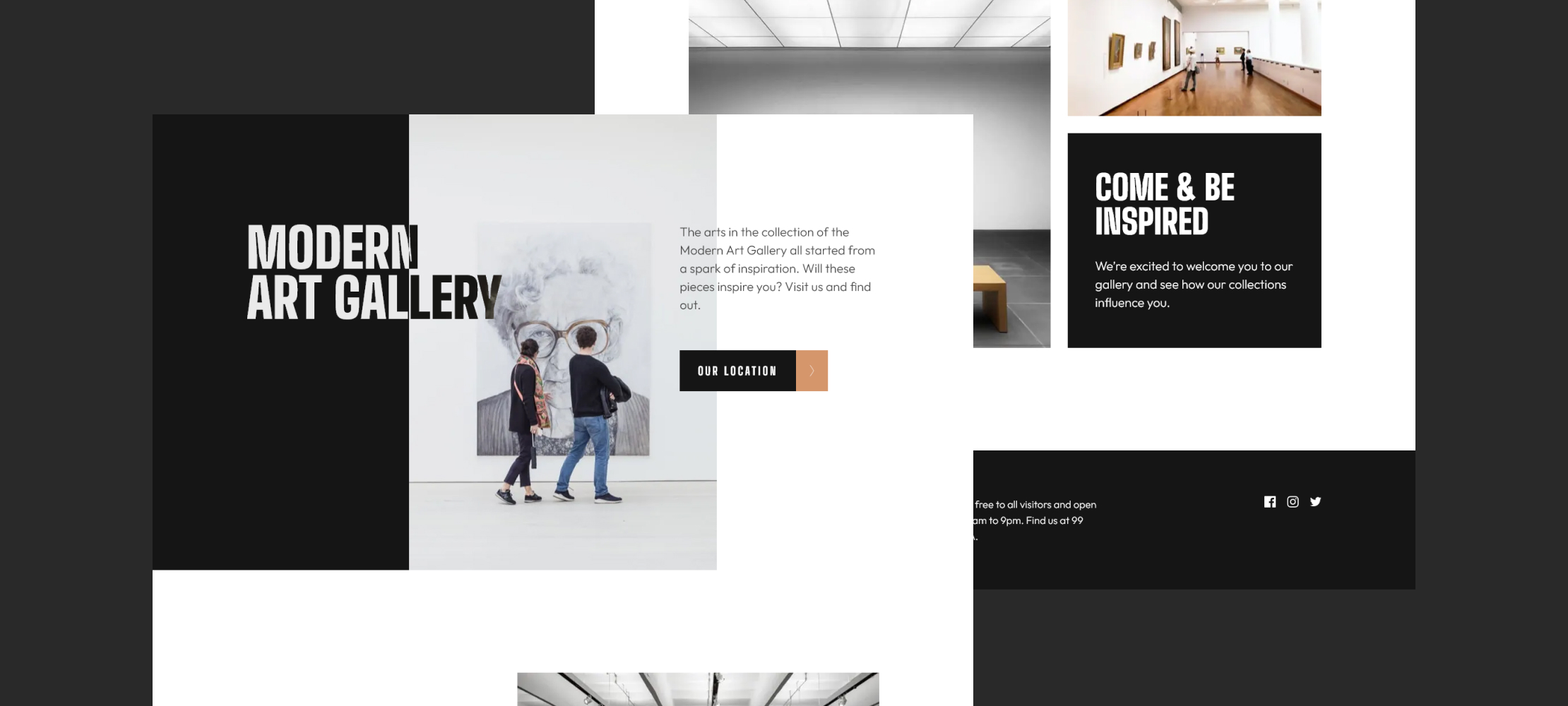
In this project I used React and TypeScript to build the interface and Styled Components to style it, I also added some animations using the Framer Motion library. Additionally, I used the MapBox GL tool to create the map on the contact page.
Features
This project was based on the Art gallery website challenge from the Frontend Mentor website
In this challenge the objective was to create the website based on the design provided and make users able to:
- View the optimal layout for each page depending on their device's screen size
- See hover and focus states for all interactive elements on the page
- Bonus: Use a JavaScript library for interactive maps to create an interactive location map with custom location pin
To achieve the goal, I used the following tools to develop the website:
- React - JS library
- Styled Components - For styles
- Framer Motion - For animations
- Mapbox - For the the interactive map
I chose to use the MapBox GL library to create the interactive map on the contact page. As I had already worked with the Leaflet library previously in another project, it was relatively simple to implement this functionality with the MapBox library.